
PROFINET amplifier for proportional valves
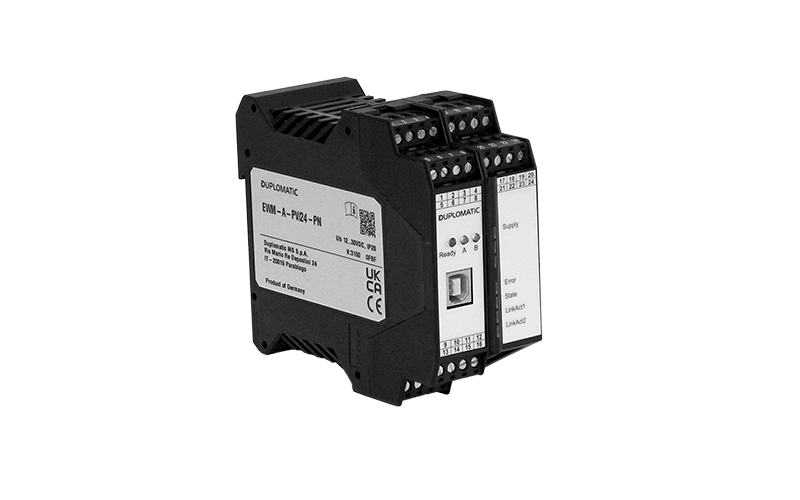
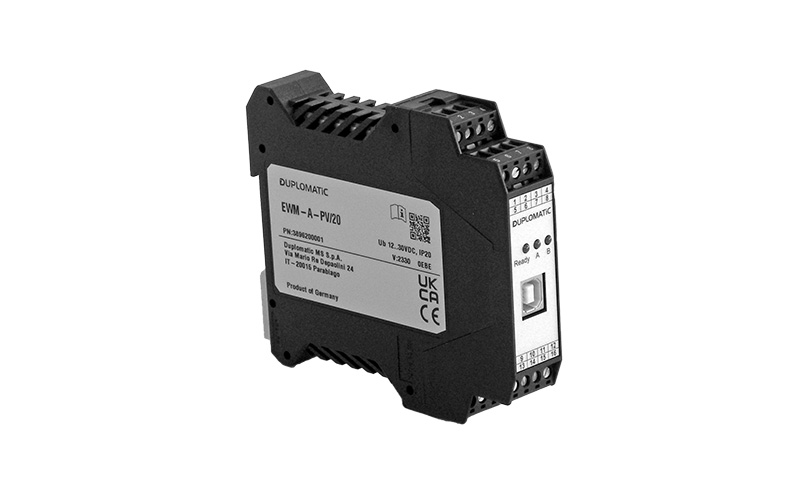
EWM-A-PV
Details
- Catalog: 89625
- Mounting Style: DIN rail EN 50022
- Power supply: 12 ÷ 30 V DC
Download
- * Data sheets:


- Software EWM20_SmartManager
- Other Documents:
- file .GSDML for EWM 24 Profinet
- EWM-A-PV PROFINET interface - Start-up
- * Last update: (02/07/2026)
DESCRIPTION
The EWM-A-PV card with PROFINET interface is a universal power amplifier for proportional valves, designed for use in industrial automation systems.
The amplifier allows the control of one proportional directional valve with two solenoids or two independent single-solenoid proportional valves. The output signal is managed in closed loop with PWM generation, ensuring accuracy, dynamic stability and repeatability of control.
PROFINET functions are handled by a dedicated ASIC, ensuring high communication performance, reduced response times and efficient integration into PLC systems.
The card integrates advanced signal control functions, including ramps and compensations, as well as a customizable valve characteristic linearization function (up to 10 XY points per direction), providing a linear output response and precise control even in complex applications.
PROFINET communication enables direct integration with PLCs and control systems, allowing command handling and diagnostic data exchange via fieldbus. Monitoring and status reporting functions are also available.
Download the EWM20_SmartManager software for card configuration.
Start-up manuals and device description files are available for download for registered users.

DOWNLOAD 3D MODELS
At the service of our customers from the early design stages
Duplomatic offers the possibility to download 3D models of all products through a dedicated web portal.
How to use the service
Just go to the website https://duplomatic.partcommunity.com and register for free to configure and preview the desired model. Registration allows you to download our 3D models unlimited, choosing from the most common CAD formats. You can also generate and download a PDF containing an interactive 3D model and a summary of the technical data.
Click on the button below for the step by step registration and download guide.
Integration into your management system
That's not all. If you wish and your internal management software is able to, you can also download the entire catalogue and integrate it into your component database of all your projects.
Download: Step by step CADENAS ITA Download: Step by step CADENAS ENG